Clicker
Checklist
Section titled “Checklist”Laptop clicker setup checklist
This is a condensed checklist if you already know what everything does. For more info on each, read on below
Placement
Section titled “Placement”Laptop should be placed on the desk with the computer
This is used by the chairperson and preacher to control the slides.
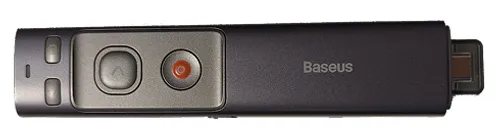
We simply need to:
- Power it on - The switch is on the left side
- Place the remote on the music stand in the middle
The remote can be found in Hope Terminal. After usage, please turn it off and plug it back in for charging.